
“Supports plugins” is a low bar. The useful questions are who maintains the extension, whether it survives the next platform release, what data it can access and what happens when the developer disappears. A marketplace full of stale add-ons is not more extensible than a smaller, well-curated one.
This guide compares the extension models of free ecommerce platforms, with ShopKeeprr included as our product. It is a buyer’s checklist, not a plug-in shopping list.
Editorial note: ShopKeeprr is our product, so we have a commercial interest in this subject. Competitor facts are taken from public documentation and linked where practical. Pricing and plan details can change; check the provider before you buy.
What plugin support should mean
- A documented extension API: hooks, events, services and data access that survive upgrades.
- Install and removal paths: a clean way to enable, disable and remove code without corrupting data.
- Version compatibility: the extension declares which core versions it supports and is tested against them.
- Licensing clarity: what you can use, modify, transfer and redistribute, and whether updates require a subscription.
- Security ownership: who reviews the code, how vulnerabilities are reported and how quickly fixes ship.
- Support boundary: who helps when the extension conflicts with the core or another extension.
Most plugin systems run third-party code inside your store with access to your database. A plugin is not a harmless toggle. Treat every extension as a software dependency with a security and maintenance lifecycle.
The extension models compared
| Platform | Extension model | Core cost | Best for | Main risk |
|---|---|---|---|---|
| ShopKeeprr | Modules, themes and builder components; ShopKeeprr Store and module API | Free proprietary core | Complete self-hosted stores that need targeted capabilities | Extensions are code with access to the application; vet them |
| WooCommerce | WordPress plugins and themes | Free GPL plugin | A large free/paid extension ecosystem | Plugin conflicts and WordPress maintenance |
| Bagisto | Laravel packages and marketplace extensions | MIT | Laravel teams wanting open-source extensions | Extension quality and paid feature boundaries |
| Sylius | Symfony bundles and plugins | MIT core | Custom Symfony commerce | Fewer ready-made business features; custom work |
| Medusa | Modules and plugins for a Node.js stack | MIT core, open-core | Headless JavaScript commerce | Younger ecosystem; more integration work |
| PrestaShop | Modules from a marketplace | OSL-3.0 | Established PHP stores | Module upgrade compatibility |
| Magento Open Source | Extensions from a large marketplace | OSL-3.0 | Large catalogs and agencies | Heavy stack; extension conflicts |
ShopKeeprr: modules, themes and components
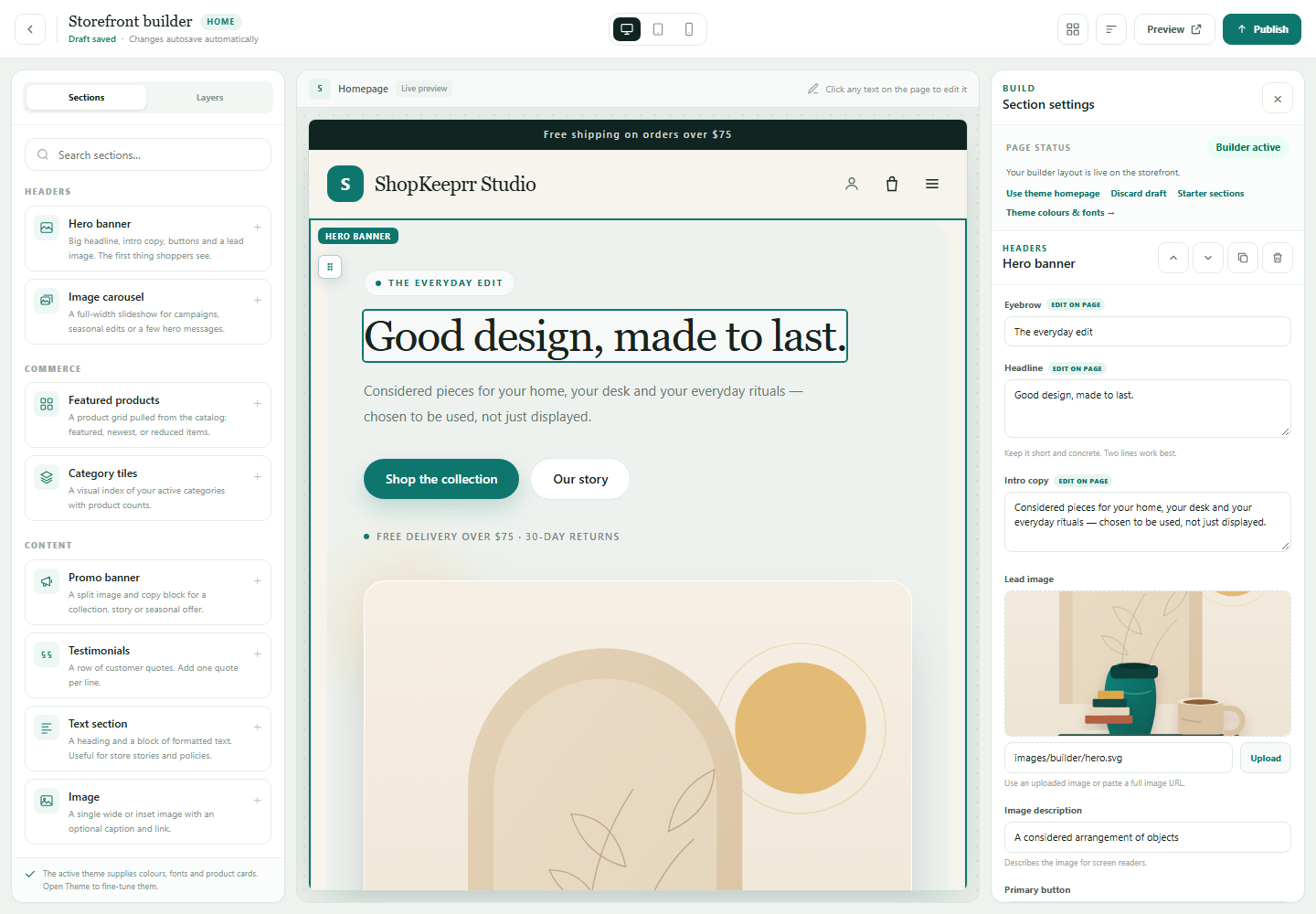
ShopKeeprr’s extension layer has three shapes: modules that add store capabilities, themes that change the storefront, and components that plug into the visual builder. Extensions can be installed from the ShopKeeprr Store or from a ZIP, and developers can build against the module API.
The core is free to download and run, but it is proprietary, not open source. Some extensions are free and some are paid; licensing stays with each developer. Extensions are not sandboxed, so review what a module can access and test it on staging before installing it on a live store.
This model is a good fit if you want a complete self-hosted application with a curated extension route, and you are prepared to vet and maintain the modules you add. It is not a promise that every feature exists; if a critical capability is missing, custom development may be required.
WooCommerce: a broad ecosystem, with a broad surface area
WooCommerce’s plugin ecosystem is its superpower and its operational burden. There are free and paid plugins for almost every commerce requirement, from subscriptions and memberships to B2B pricing and multi-vendor marketplaces. That breadth shortens feature discovery and increases the number of dependencies you must maintain.
Before adding a plugin, check its last update, compatibility with your WordPress and PHP versions, active installs, support responsiveness and security history. Prefer plugins that are narrow, well maintained and easy to remove. Test on staging, and keep a rollback backup.
Bagisto and Sylius: Laravel and Symfony extensions
Bagisto uses Laravel packages and an extension marketplace. It is a good route for a Laravel team that wants open-source code and a complete starting application. Check whether the marketplace, B2B or payment capability you need is a maintained extension or something you must build.
Sylius uses Symfony bundles and plugins. It offers deep control for custom commerce, but fewer ready-made business features than a WordPress or Shopify ecosystem. Extensions are development components, not a guarantee of a finished workflow.
Medusa, PrestaShop and Magento: three different trade-offs
Medusa’s module and plugin model is built for a JavaScript/TypeScript stack. It is young and composable; expect to write integration code. PrestaShop has a long-running module marketplace, with the familiar risk that modules lag core upgrades. Magento Open Source has a broad extension market aimed at larger stores and agencies, with the operational weight that comes with the platform.
In all three cases, the platform’s extension count is less important than the maintenance of the specific extensions you need. A single abandoned payment module can block an upgrade.
The ten-question plugin checklist
- Does it declare compatibility with my exact core, PHP and database versions?
- When was it last updated, and what changed?
- Who maintains it, and is there a public issue tracker or support channel?
- What data can it read or write? Does it need broad admin or database access?
- Does it modify core files, or use the documented extension API?
- What happens to its data if I disable or remove it?
- Is the license clear about updates, transfers and support?
- Can I test it on staging with my theme and other extensions?
- Does it add frontend scripts that affect performance or privacy?
- What is my rollback plan if it breaks checkout?
Take a file and database backup, test on staging and read the extension’s changelog. Do not install a new plugin directly on a live store during a busy period. If the extension touches checkout or payments, test a complete order and refund.
Plugins are code, not magic
Every extension increases the amount of code running with access to your store. A vulnerability in a plugin can expose customer data or allow an attacker into the admin. A poorly written module can slow checkout or break after an upgrade. The platform’s core security does not automatically secure third-party code.
- Keep a tested backup before installing or updating an extension.
- Remove extensions you no longer use; do not leave dormant code installed.
- Monitor security advisories for the core and the extensions you rely on.
- Use least-privilege admin accounts and avoid sharing credentials.
- Review extensions that request broad data access or inject remote scripts.
This is not a reason to avoid extensions. It is a reason to treat them as production dependencies rather than impulse purchases.
Frequently asked questions
Which free ecommerce platform has the best plugin support?
WooCommerce has a very broad ecosystem, but breadth also means more variation in quality. ShopKeeprr offers a curated module, theme and component system. Bagisto and Sylius suit developer-led extension work. The “best” system is the one with maintained extensions for the features your store actually needs.
Are plugins free?
Some are, many are not. Free core software often has paid extensions for advanced features, support or updates. Budget for licenses, renewals and the cost of testing and maintaining each dependency.
Are ShopKeeprr modules sandboxed?
No. Like most self-hosted commerce extensions, modules run within the application and may have access to application data. Review the extension, test it on staging and keep backups. The same caution applies to WordPress, Laravel and other plugin systems.
Can a plugin break my store after an update?
Yes. An extension may not be compatible with a new core, PHP or database version, or it may conflict with another extension. Test updates on staging, read changelogs and keep a rollback backup. This is a normal part of running self-hosted software.
Is ShopKeeprr open source?
No. The core is free to download, install, run and modify for your own store, but the license is proprietary and does not permit resale or redistribution. Its extension system does not change the core license.
Put it to work
Download the free ShopKeeprr core.
Install it on your own server, connect your database and start building. The core is free; hosting, payment processing and optional extensions are separate.